
Section outline
-
-
Download Material
The E-Learning content refers to the documentation again and again. These are part of this course and should be consulted in parallel whenever they are referred to. You can find the mentioned documentation files and the delivery of the Generator Development Kit on our Vector Portal:

We strongly recommend that you complete the workshop (practical download material + E-Learning below) before you start working with the Generator Development Kit.
-
-
E-Learning Content
This E-Learning is only compatible with DaVinci Configurator Classic version 6 (DVCfg6).
In the download material, this includes all packages starting from DaVinciConfiguratorClassic6_MD_Env_R36 and newer.
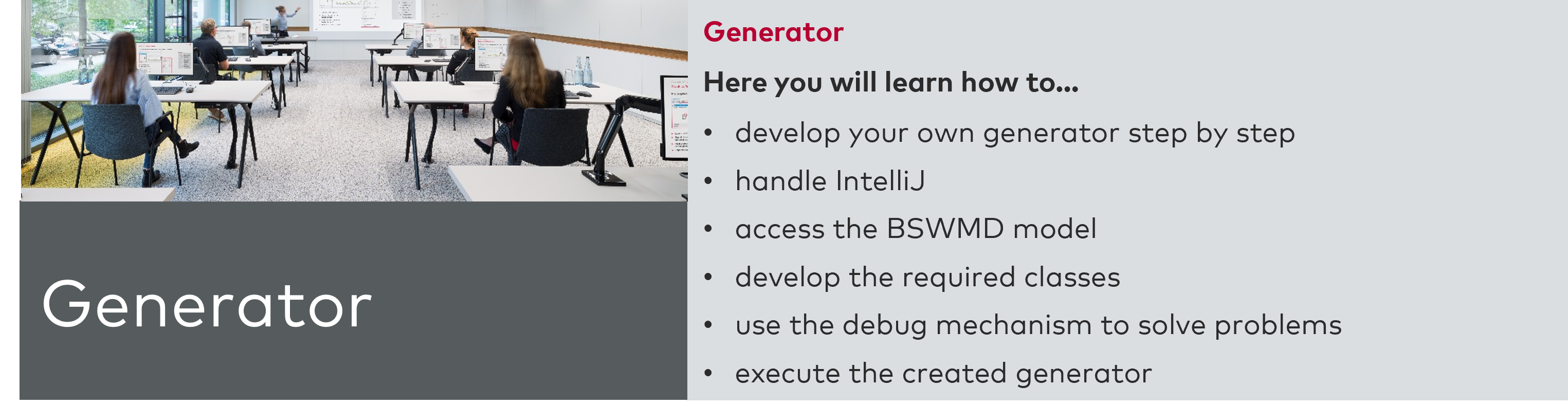
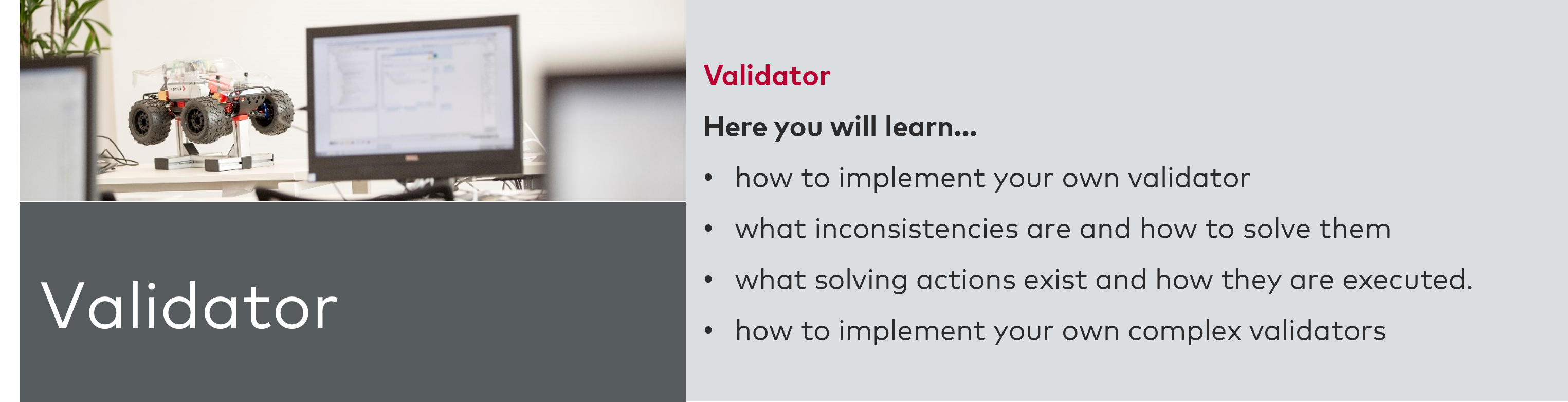
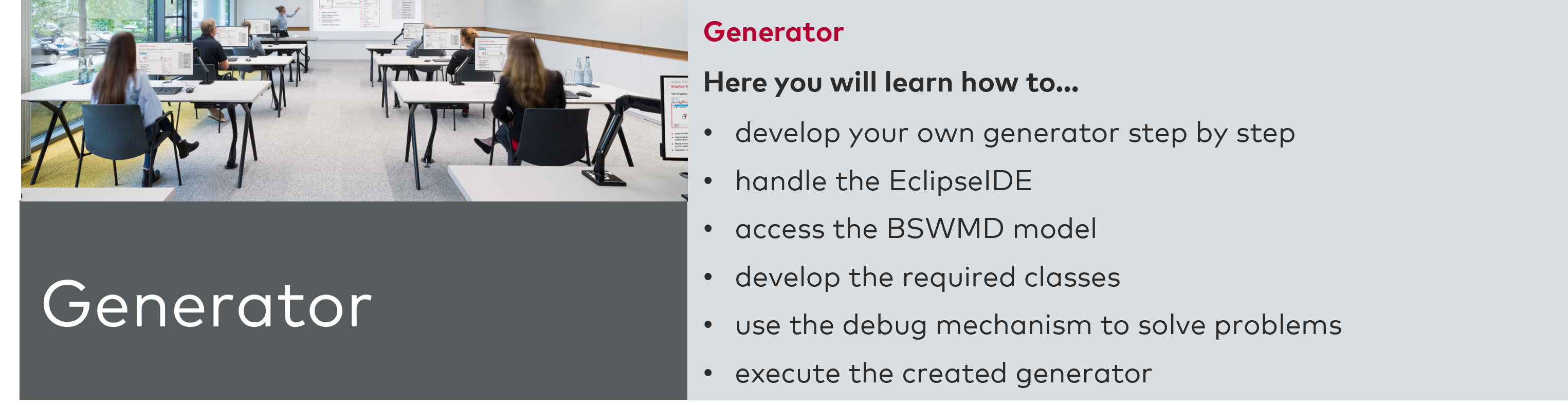
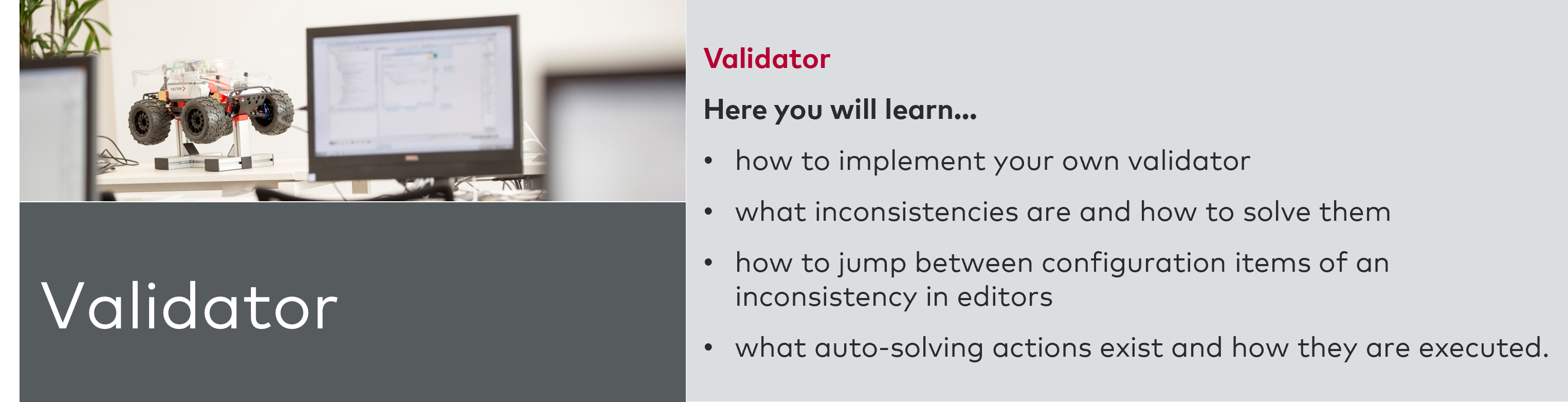
You can start the course by clicking on one of the pictures of down below. The course starts with a short introduction into E-Learning in general. If you are already familiar with E-Learning, you can skip the first chapter "About learning with this Online Course" (first chapter in the Introduction module).
Further QuestionsHave you worked through the E-Learning and recommended documents but still have more questions? Discuss them with our experts.
Get in contact with Jürgen Pöllinger to schedule a meeting:
E-Mail: Juergen.Poellinger@vector.com
Phone: +49 941 20865-255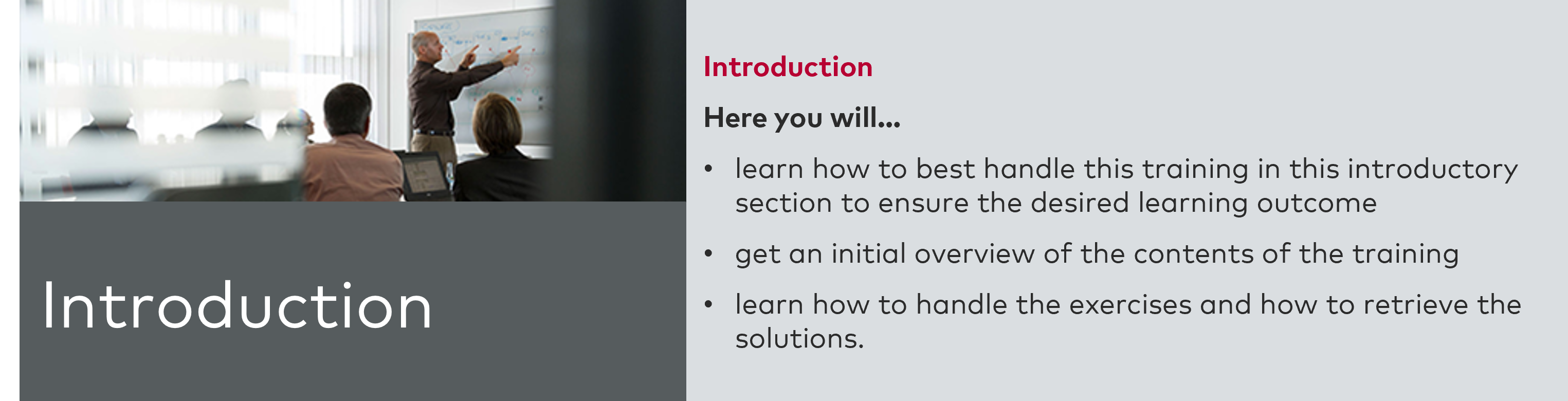
-
-
-
E-Learning Content
This E-Learning is only compatible with DaVinci Configurator Classic version 5 (DVCfg5).
In the download material, this includes all packages up to and including DaVinciConfigurator_MD_Workshop_R34.
You can start the course by clicking on one of the pictures of down below. The course starts with a short introduction into E-Learning in general. If you are already familiar with E-Learning, you can skip the first chapter "About learning with this Online Course" (first chapter in the Introduction module).Further Questions
Have you worked through the E-Learning and recommended documents but still have more questions? Discuss them with our experts.
Get in contact with Jürgen Pöllinger to schedule a meeting:
E-Mail: Juergen.Poellinger@vector.com
Phone: +49 941 20865-255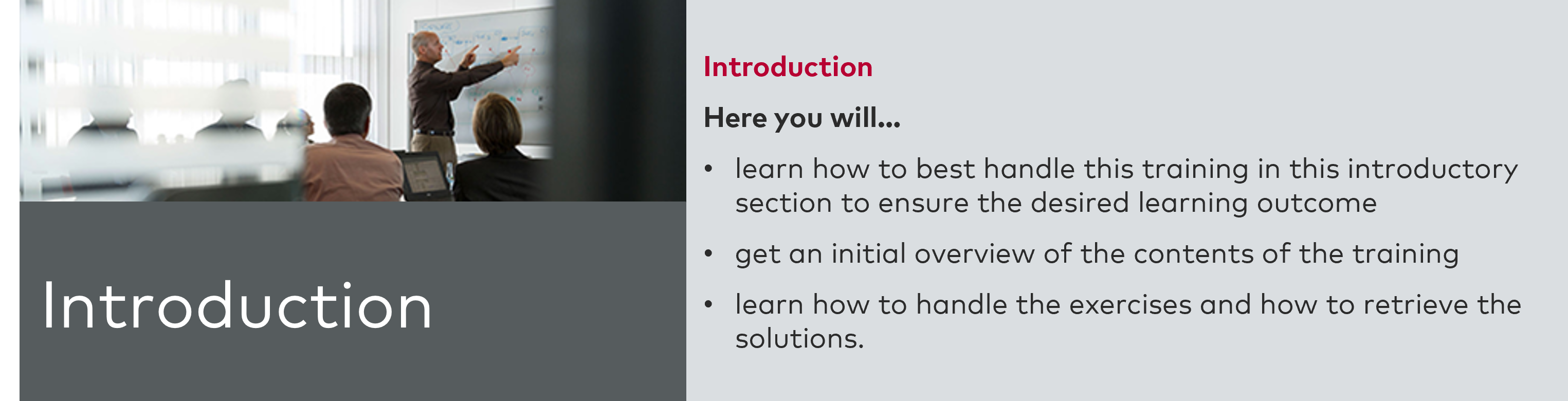
-